
How to turn off Codex terminal animations
Codex’s terminal interface enables animations by default. To disable the welcome
animation, shimmer effects, and animated spinners, add this to
~/.codex/config.toml:
[tui]
animations = false
Then start a new Codex terminal session normally:
codexYou can also try the setting without changing your configuration:
codex -c 'tui.animations=false'That command overrides the same setting in your global configuration for that
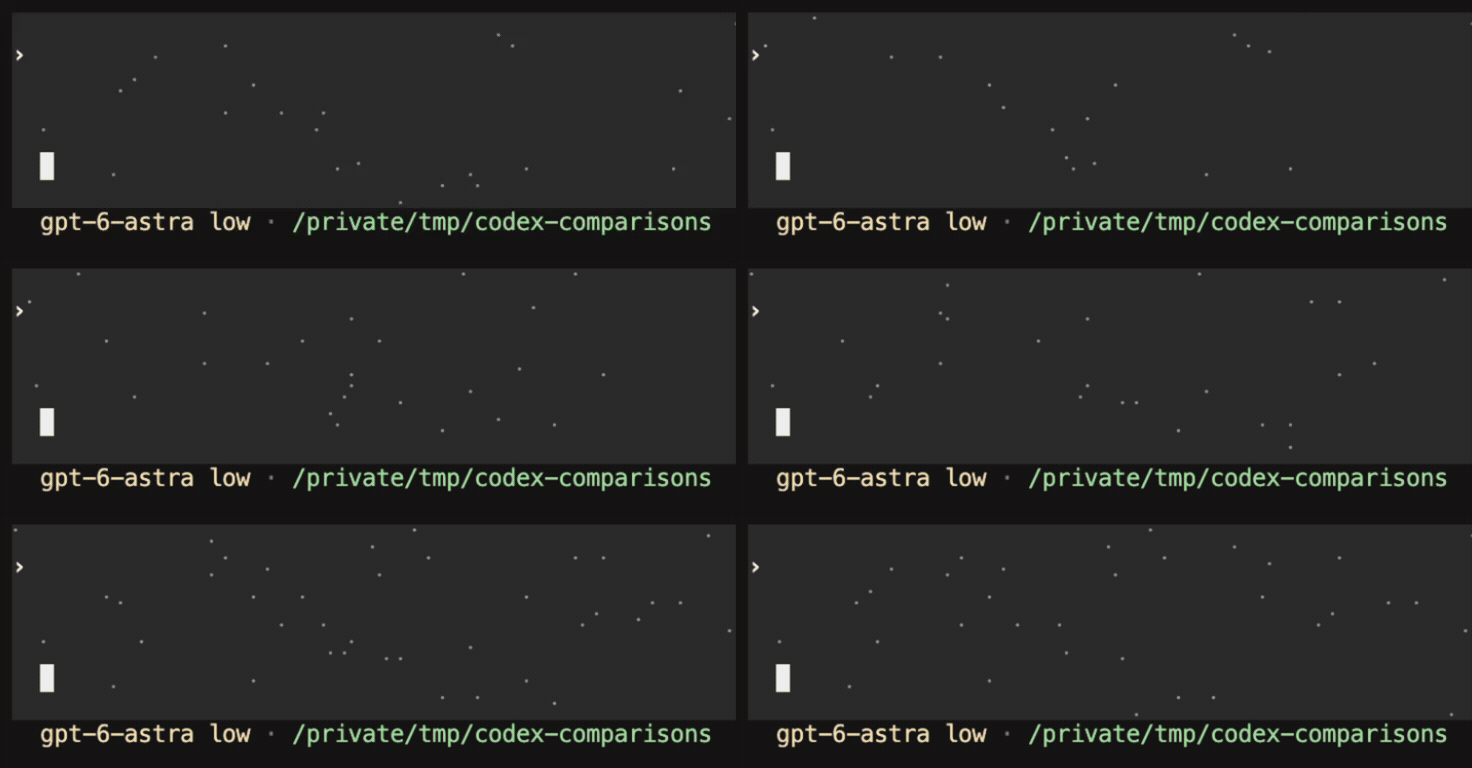
run. Codex has a separate tui.whimsy setting for decorative effects such as
the Astra composer stars. If you have disabled both settings globally and want
to compare the complete default visual treatment, override both:
codex -c 'tui.animations=true' -c 'tui.whimsy=true'The difference
With terminal animations enabled:
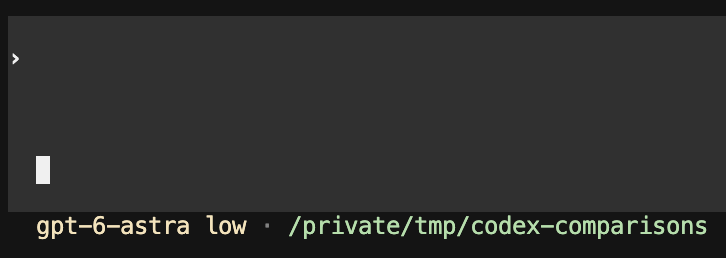
With terminal animations disabled:
Does it start faster?
I initially thought disabling the animations also made Codex start faster. In a small warmed-up comparison, the median startup times were effectively identical: 561.3 milliseconds with animations and 561.2 milliseconds without them.
The setting makes Codex feel calmer and more immediate. In this small test, it did not make startup meaningfully faster.
OpenAI’s Codex configuration reference and advanced configuration guide
← All notes